Dashboard
The dashboard is available to all users.
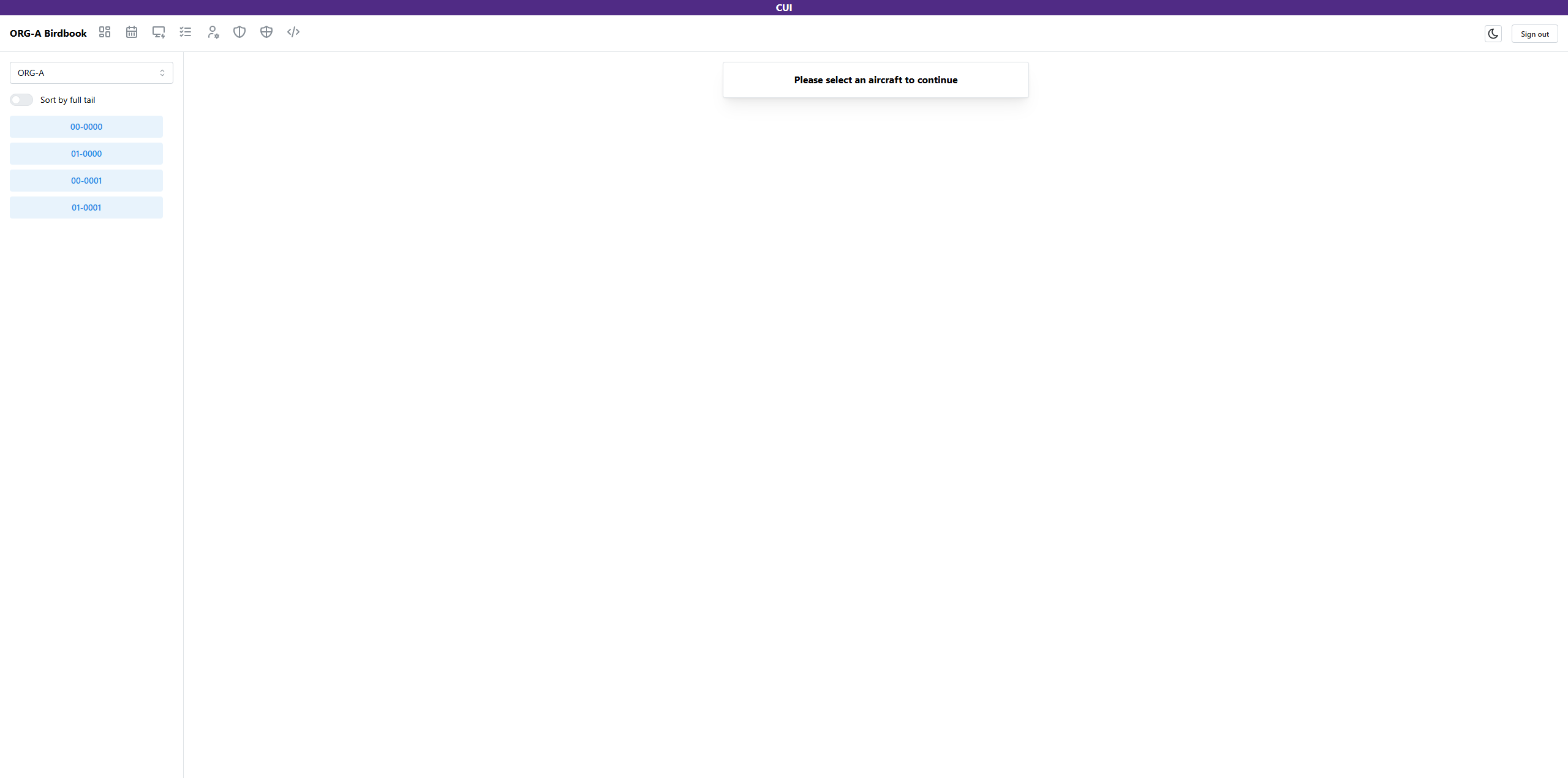
The dashboard allows users to quickly identify aircraft within the organization in order to view, modify, and create write-ups.
Selecting organization
At the top of the sidebar layout, users are able to view organizations within their parent organization. This means that users effectively have the ability to view aircraft within the entire Operations Group. Select the organization in the dropdown to view their list of aircraft.
Ordering aircraft
Below the organization selection menu, users are able to activate the switch to sort aircraft by their full tail number or, when deactivated, only by the last three numbers of the tail number.
Aircraft details
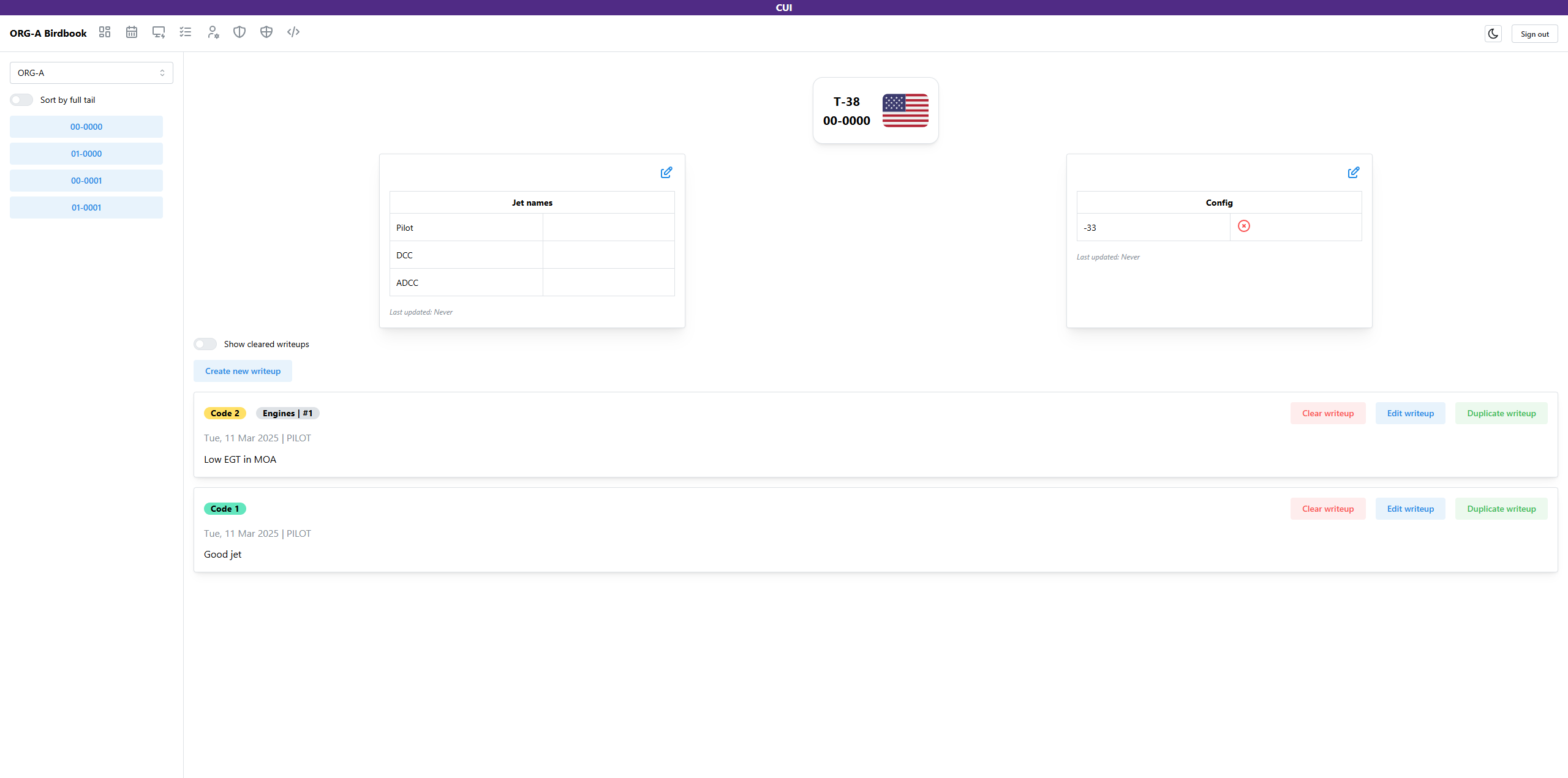
When clicking on an aicraft, the details attached to that aircraft will display. There are three primary sections:
Aircraft information
The top container holds basic information such as jet nationality, tail number, and assigned parking spot (if one exists).
Aircraft attributes
Below the aircraft information are organization-defined attributes. These are snips of information that displays information that may not change on a regular basis, or provides a graphical view of displays or errors.
Click the edit button in the top right of the attribute card in order to update information within.
Once complete, input your name and click the Save changes button.
While text information may not be required, the name of who is editing the information is required.
Write-ups
The remainder of the page displays all active write-ups for the aircraft. Here you can view when a write-up was noted, by whom, what Code the aircraft was reported as and information about the system or subsystem that was affected.
Users may activate the Display cleared writeups switch in order to see all writeups, active or cleared.
Visit the write-up page for the specifics on creating a new-writeup.