Multi-Factor Authentication
In order to sufficiently protect Birdbook information, users are required to use Multi-Factor Authentication.
Email authentication
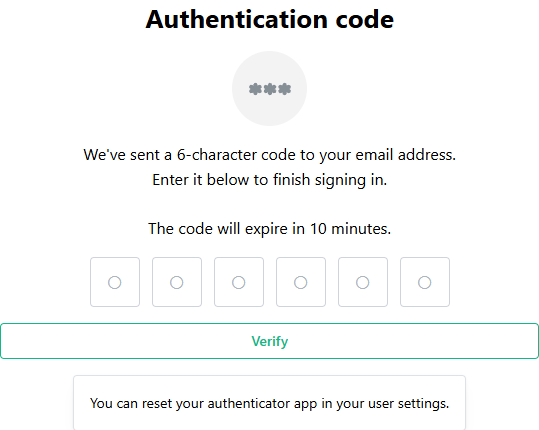
When an account is created, a one-time password (OTP) will be emailed to the user's email address. Check your inbox and enter the OTP into the field to finish the authentication process.
Authenticator application
It is highly encouraged and strongly recommended that users switch to the Authenticator application. This is a more secure method of delivering security codes.
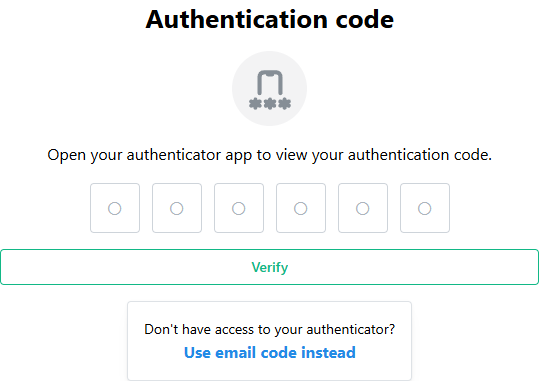
Users have the ability to register an Authenticator application of your choice to make this process more secure and easier. If you have lost the ability to use your authenticator application, or are unable to do so, you can click the Use email code instead link to receive an authentication code to your email address on file.
See the MFA settings page to learn more on how to register an authenticator application.