User management
Applies to
The user management page is available to administrators only.
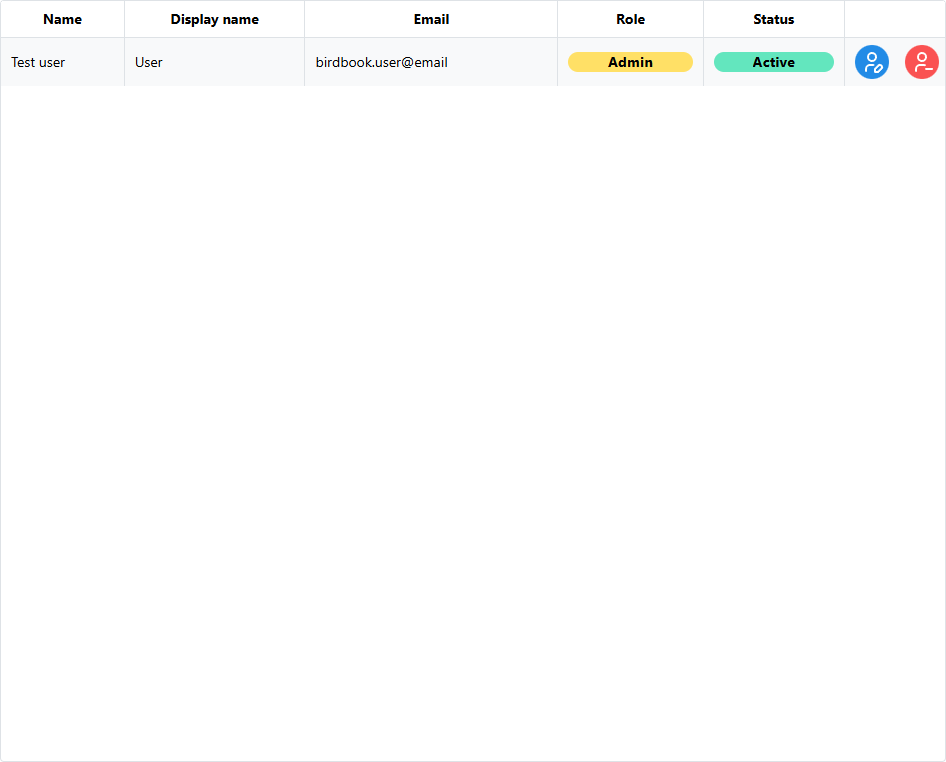
Administrators are able to view the current users that are assigned to their organization.
Modifying roles
Administrators only have the ability to modify the role for the user within the organization.
Click on the blue Edit button in the far right column to open the Update user dialog and update the user's role.
Removing members
Click on the red Remove button in the far right column to open the Remove user dialog.
A new window will open to confirm the desired action.
Required confirmation
You must type REMOVE (case sensitive) to confirm your action.