Write-up management
The write-up management page is available to administrators only.
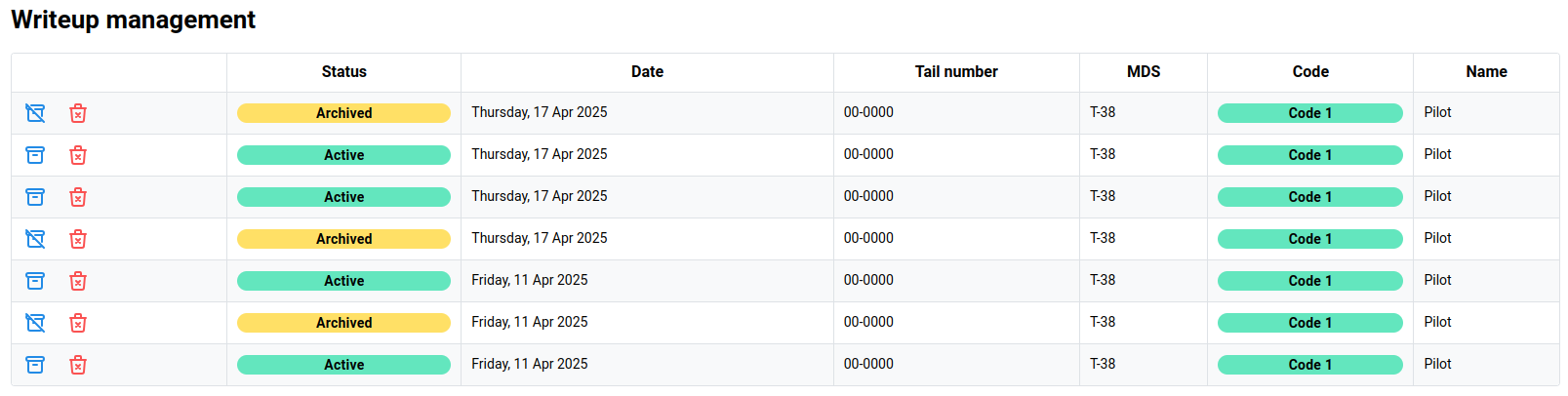
The write-up management page allows administrators to quickly browse all write-ups that are associated with aircraft owned by the organization.
Archiving (Clearing) write-ups
Click the blue Archive button to archive the write-up and clear it from the aircraft.
If a write-up is currently Archived and it is desired to re-activate the write-up, click the blue Un-archive button.
Deleting write-ups
To delete a write-up completely from the system, click the red Delete icon. This will open a confirmation dialog to verify the action.
Since the Birdbook provides trend data analysis, the deletion of write-ups may skew total results over the lifetime of an aircraft.
Trends have the ability to filter by status (Active only or all) which can achieve desired results.