Invitation approvals
Applies to
The invitation approvals page is available to administrators only.
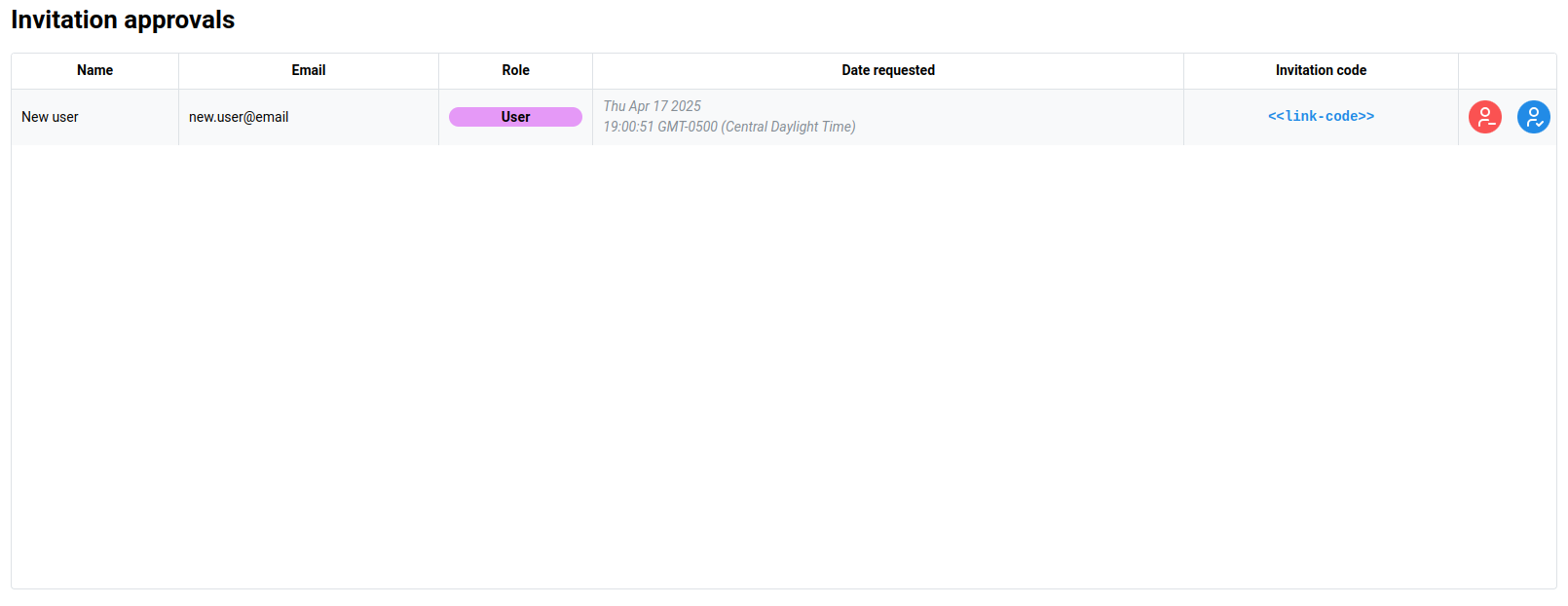
If an invitation that requires administrator approval is used by a user, then the request to join the organization will be displayed in the invitation approvals table.
Approving invitations
To approve the invitation, click the blue Approve button. This will open a dialog to confirm the role which the user will be assigned. This is an additional safe-guard in case a user has received an invitation link for an elevated role which the administrator does not wish for them to be assigned.
Rejecting invitations
To reject the invitation, click the red Reject button. This will immediately reject the invitation request.