Mission board preferences
The mission board preferences page is available to administrators only.
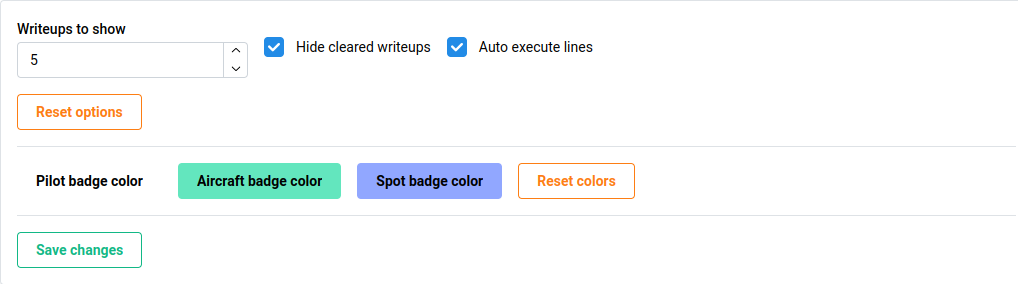
The mission board preferences allows the administrator to set certain default preferences in the display of the mission board.
| Field | Description |
|---|---|
| Write-ups to show | Sets the default number of write-ups to show. |
| Hide cleared write-ups | Sets the default value of hiding cleared (archived) write-ups. |
| Auto execute lines | Sets whether lines should be automatically executed, or wait for the Ops supervisor to execute. |
Badge colors
The Pilot, aircraft tail number, and parking spot colors are able to be modified by the administrator.
Clicking the button will open a color menu to select the color to be used.
The Color mode option will effectively set the color to be transparent, matching the background color in both light or dark mode.
Saving changes
Data is not saved automatically, click the green Saave changes button.
Resetting options
The orange Reset button can be used to either reset the board preferences or badge colors to default.
Previewing settings
A dummy mission board line is provided to preview how the mission board will look with the provided options.
Since the admin navigation is present in the Board preferences page, but not in the actual mission board, the real mission board line card will be slightly wider, filling the width of the screen.