Organization
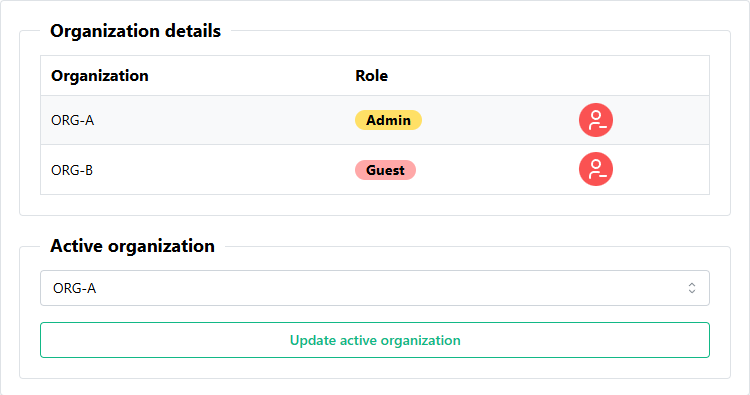
Use the Organization page to view your organization and your role within the organization.
If you are leaving the organization, you can click the Leave organization button and confirm your decision.
Organization requirement
Users must be a part of an organization to use the Birdbook. Once you leave an organization, you will be redirected to the Onboarding page and will no longer have access to the Birdbook until you join a new organization.
Updating active organization
Under development
This feature is currently implemented, however, is under development to be easier for users to access.
To change your active organization, if you are part of multiple organizations, select the organization from the dropdown menu and click the Update active organization button.